
Messages
A message is a short note that appears on the screen: Lunch is ready, I’m on my way, Good morning!
Send one
Section titled “Send one”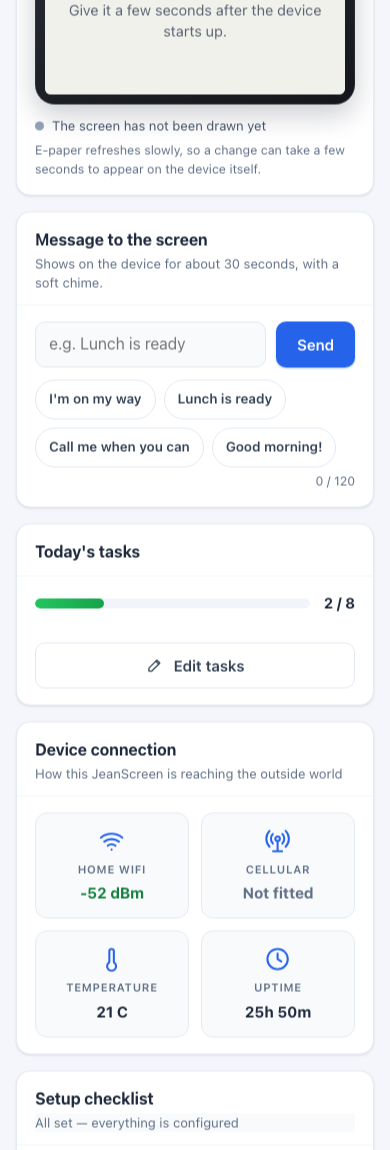
The Home tab also shows a live picture of the screen, so you can see what the resident sees. E-paper refreshes slowly, so a change can take a few seconds to appear.
- Open the portal and choose Configure on the device (or open the device’s own page on site).
- On the Home tab, find Message to the screen.
- Type up to 120 characters, or tap a quick message (I’m on my way, Lunch is ready, Call me when you can, Good morning!).
- Press Send.
What happens
Section titled “What happens”- The screen shows Message from family and your words, for about 30 seconds, and plays a soft chime.
- Then the everyday screen comes back by itself. Nobody needs to press anything.
- Sent from the portal (the cloud), the message may take up to a minute to arrive. Sent on site over the device’s own Wi-Fi, it appears within moments.